Calm Otter

Put the phone down, on purpose.

A real break from your phone. Tap the otter, choose how long, and for that time your apps stop and notifications go quiet. Alone, or together with the people around you.

  • No account
  • No internet permission
  • Open source
  • Alone or together

In closed testing on Google Play. Test builds for Android 8 or later are on GitHub.
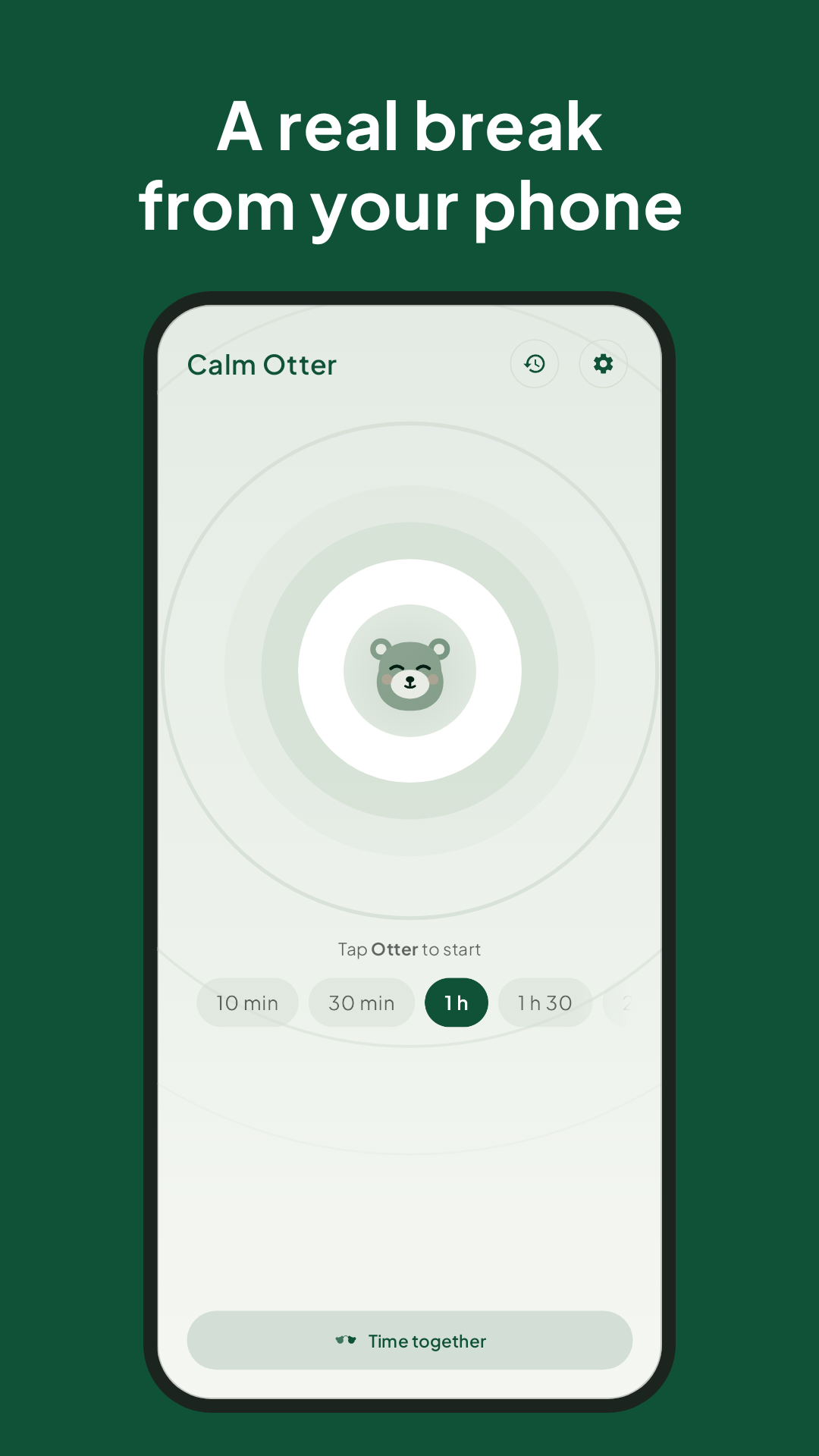
Calm Otter's home screen: tap the otter to start a pause

A quiet hour, made simple

For switching off in the evening, focusing on study or work, or really being with the people around you.

A real break from your phone: tap the otter and pick a duration, from 10 minutes to hours
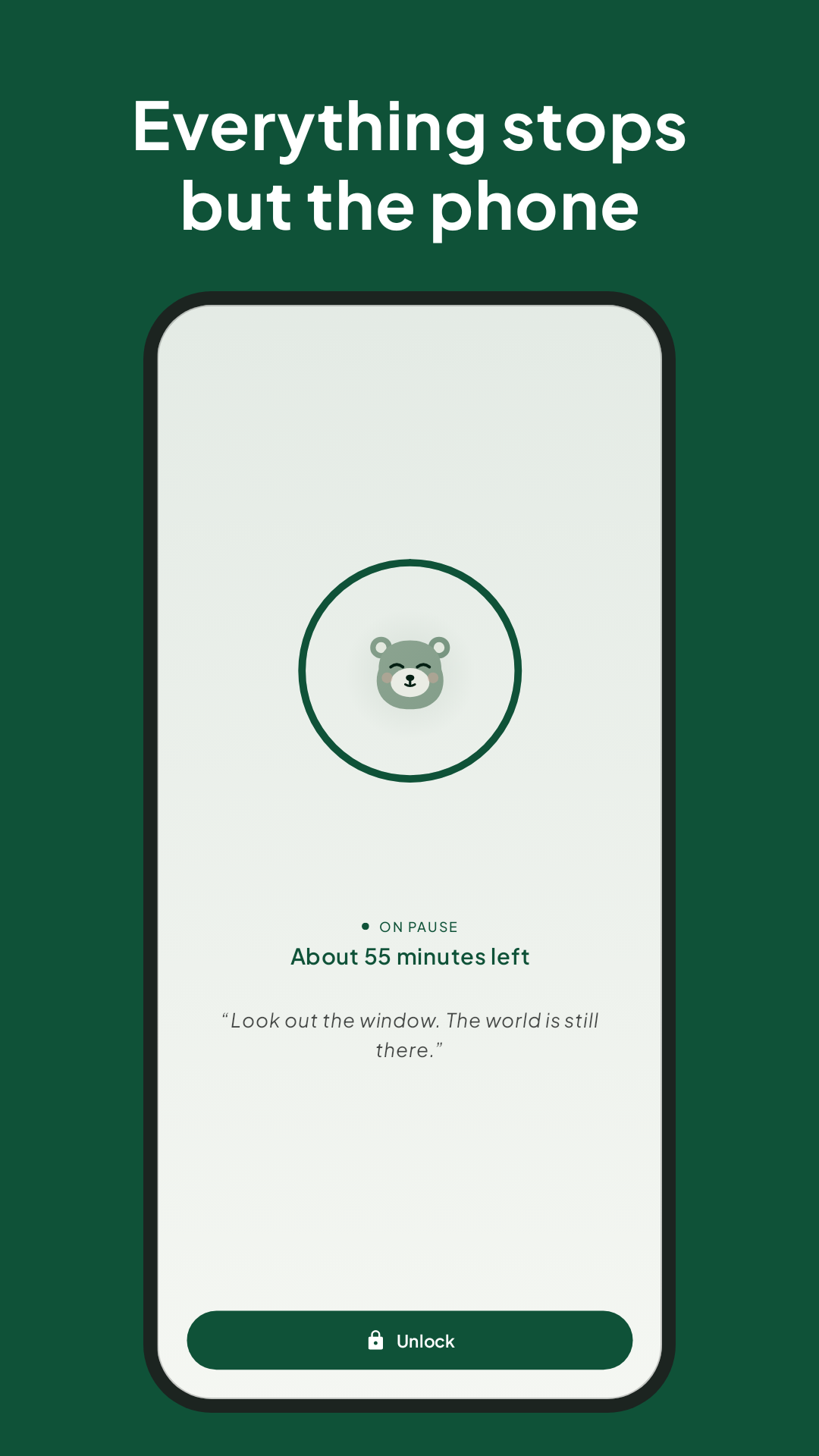
Everything stops but the phone: a calm countdown covers the other apps during a pause
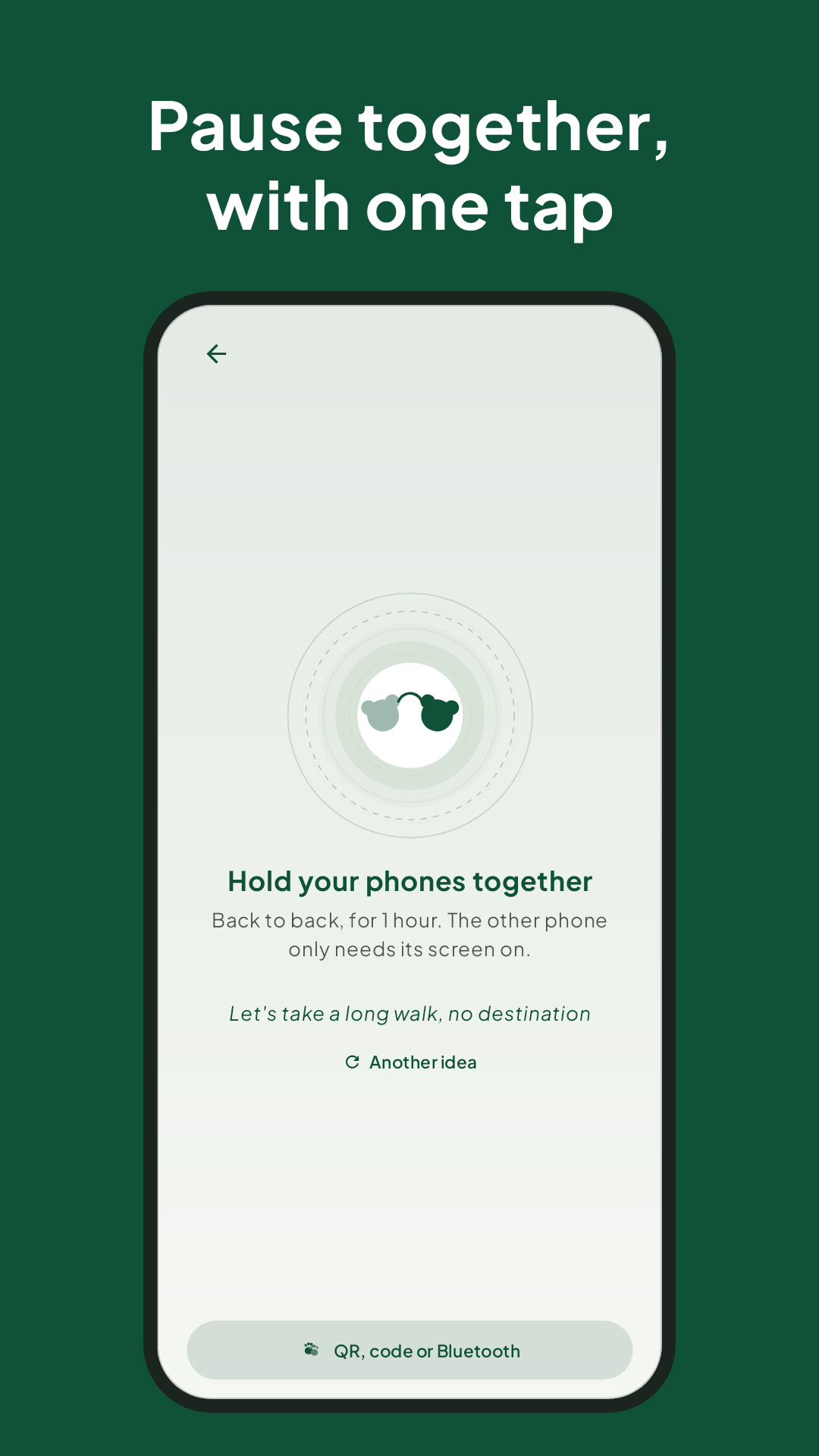
Pause together, with one tap: hold two phones back to back, with a suggested activity
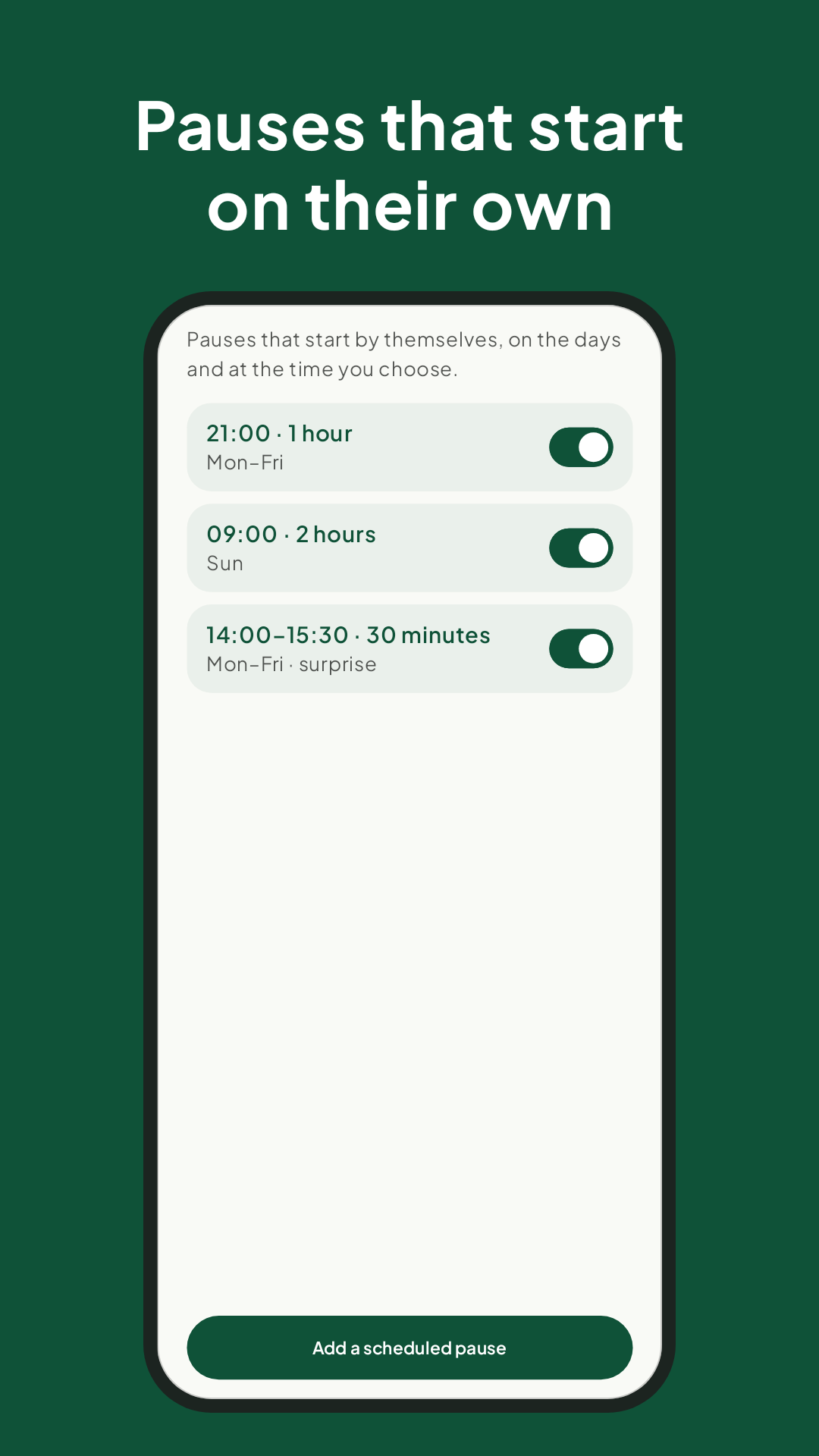
Pauses that start on their own: scheduled pauses on the days and at the times you choose
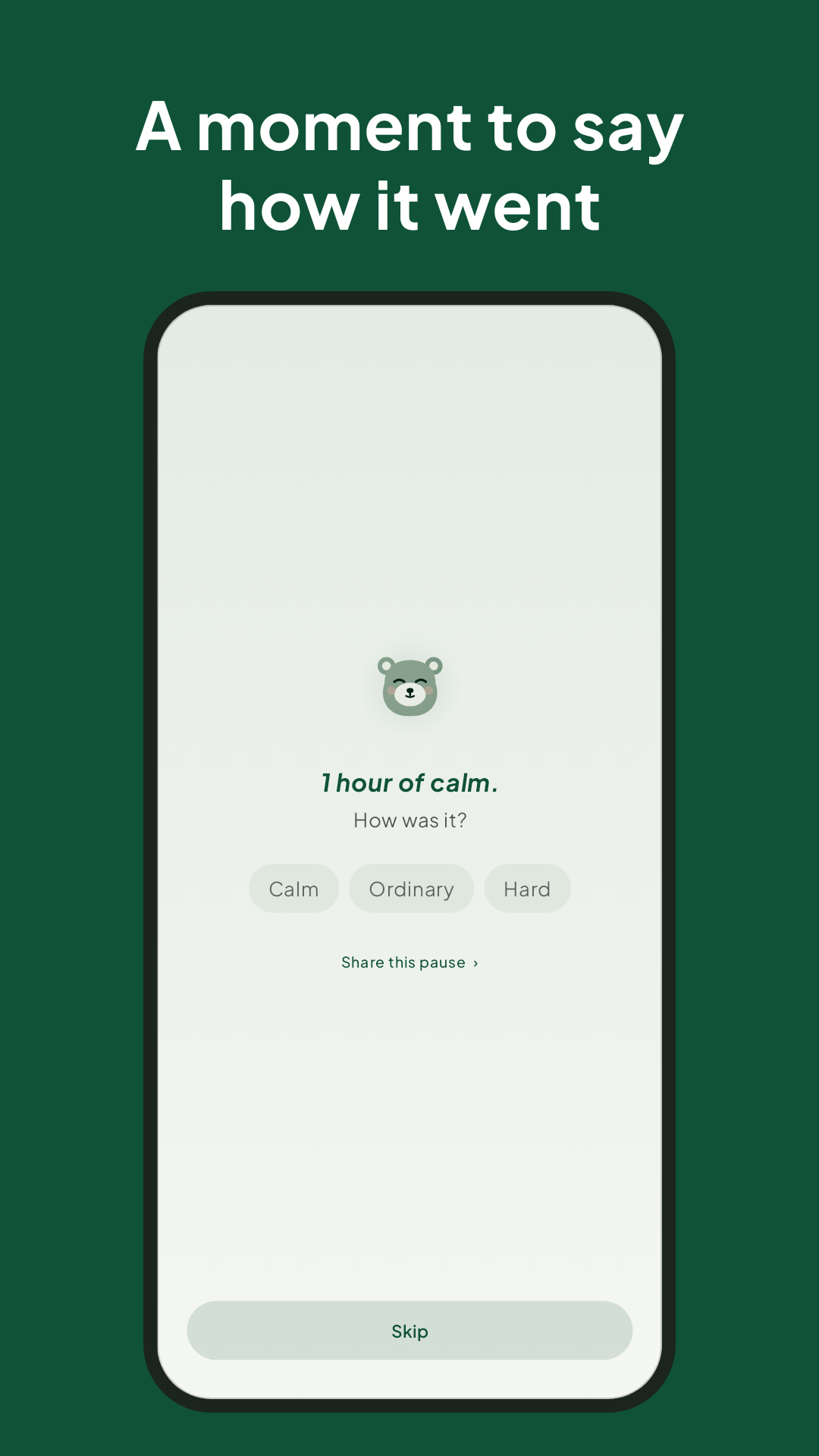
A moment to say how it went: calm, ordinary or hard, after a pause
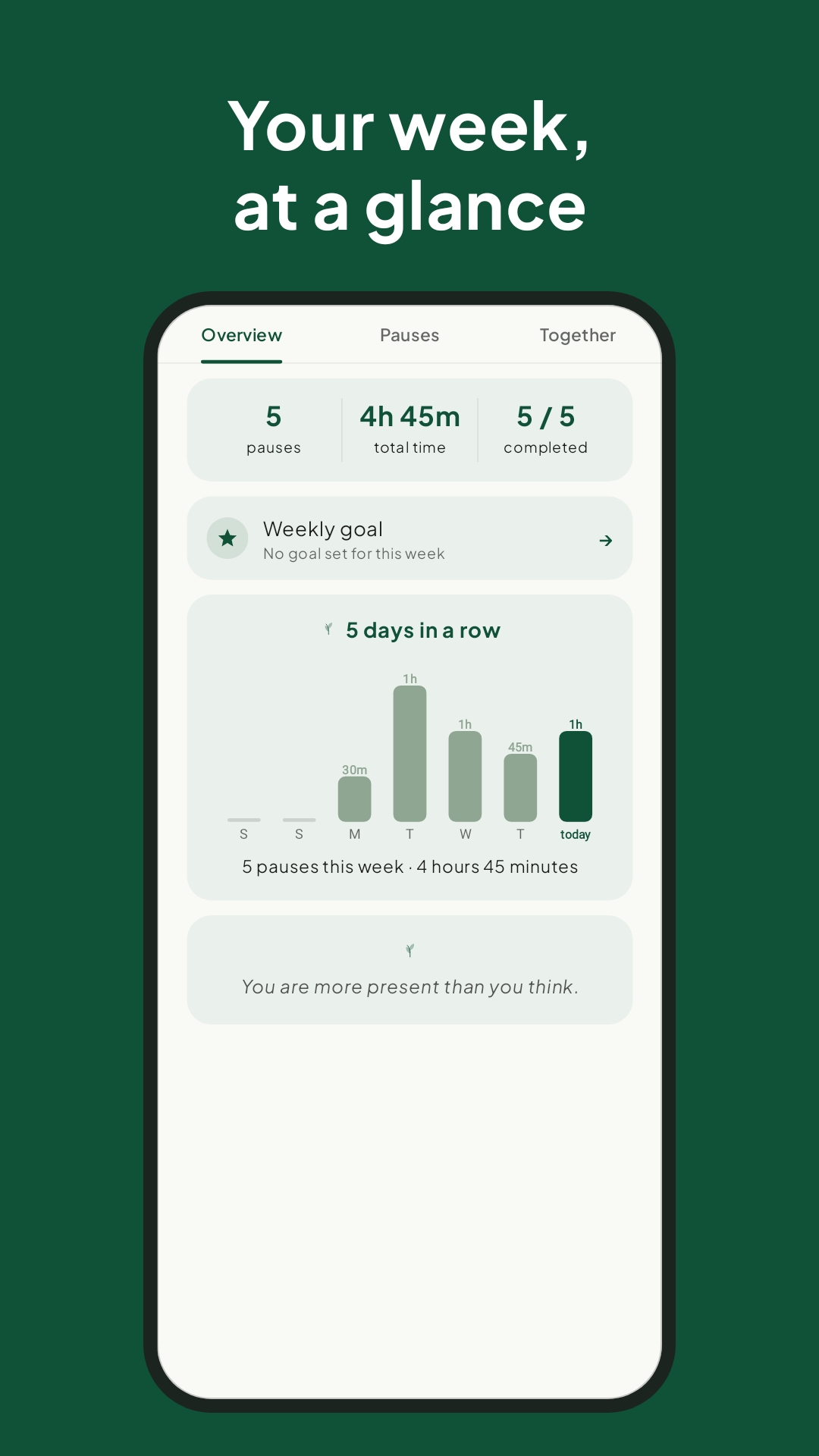
Your week at a glance: pauses, total time and days in a row

What it does

How it works

Tap the otter and choose how long. For that time your apps stop and notifications go quiet.

  • From 10 minutes to 4 hours, with one tap
  • Other apps stay covered until the pause ends
  • Do Not Disturb turns on by itself; calls, alarms and your music get through
  • You choose which apps stay: Maps by day, none in the evening

A pact, not a cage

Only the person who knows the password can end a pause early: you, or someone you trust who sets it for you. If they can't be reached, there's a slow way out: wait ten minutes and the pause ends.

Pauses that start on their own

The best moment for a pause is the one you'd rather skip.

  • Scheduled: "weekdays at 9pm, for an hour"
  • Surprise: at a random moment in the two hours after the time you pick
  • After long use: counts screen-on time only, never which apps, and never at night

Time together

Hold your phones together and start the same pause at the same moment. Without NFC, or with more people, use a QR code, a code or a Bluetooth lobby. The app even suggests something to do: a walk, a game of cards, or just being together.

Small rituals

Gentle touches, never streaks or reproaches.

  • A 10-minute breathing pause
  • "How was it?" at the end, with a word and a note if you like
  • Your week at a glance on Sunday evening

Privacy, for real

No account, no ads, no analytics. Calm Otter doesn't even have permission to use the internet: everything stays on your phone.

Honest about its limits

It's a "soft" block: it relies on the Accessibility service and Do Not Disturb, which can be switched off in Android settings. The Accessibility service is used only to know which app is in the foreground, to cover it during a pause and, if you turn it on, to count screen-on time. It doesn't read the screen or what you type. The details are in the privacy policy.

Try Calm Otter

It's free and open source. Feedback from the test builds is very welcome: Settings → About → Send feedback.